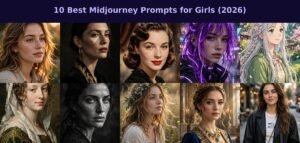
Want to create breathtaking portraits of girls with Midjourney? Whether you’re making profile pictures, character art, fashion concepts, or just exploring AI creativity — the right prompt makes all the difference.
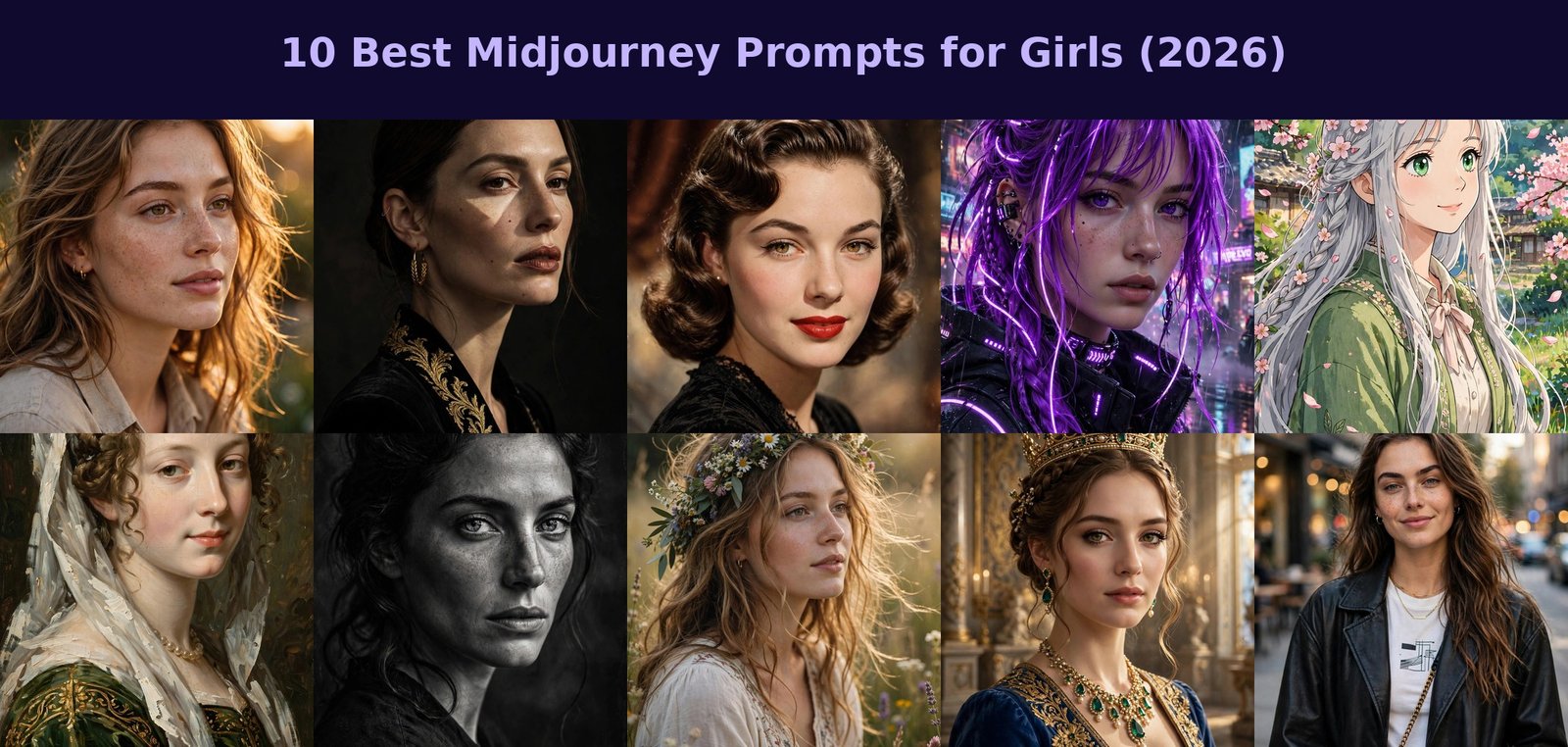
In this guide, I’ve collected the 10 best Midjourney prompts for girls, covering every style from photorealistic golden-hour portraits to anime, cyberpunk, oil paintings, and vintage glamour. Each prompt comes with a real example image, plus tips on why it works.
How to Use These Prompts in Midjourney
- Open Discord and go to any Midjourney
#newbieschannel (join at midjourney.com). - Type
/imagineand paste a prompt from below. - Press Enter, wait ~60 seconds for 4 variations.
- Upscale your favorite (U1–U4) or re-roll for more options.
Useful parameters: --ar 4:5 (portrait ratio), --v 6.1 (latest model), --style raw (more literal).
The 10 Best Midjourney Prompts for Girls
1. Golden Hour Portrait
The prompt:
Photorealistic portrait of a beautiful young woman with natural freckles, golden hour sunlight on her face, 85mm lens, shallow depth of field, detailed skin texture --ar 4:5
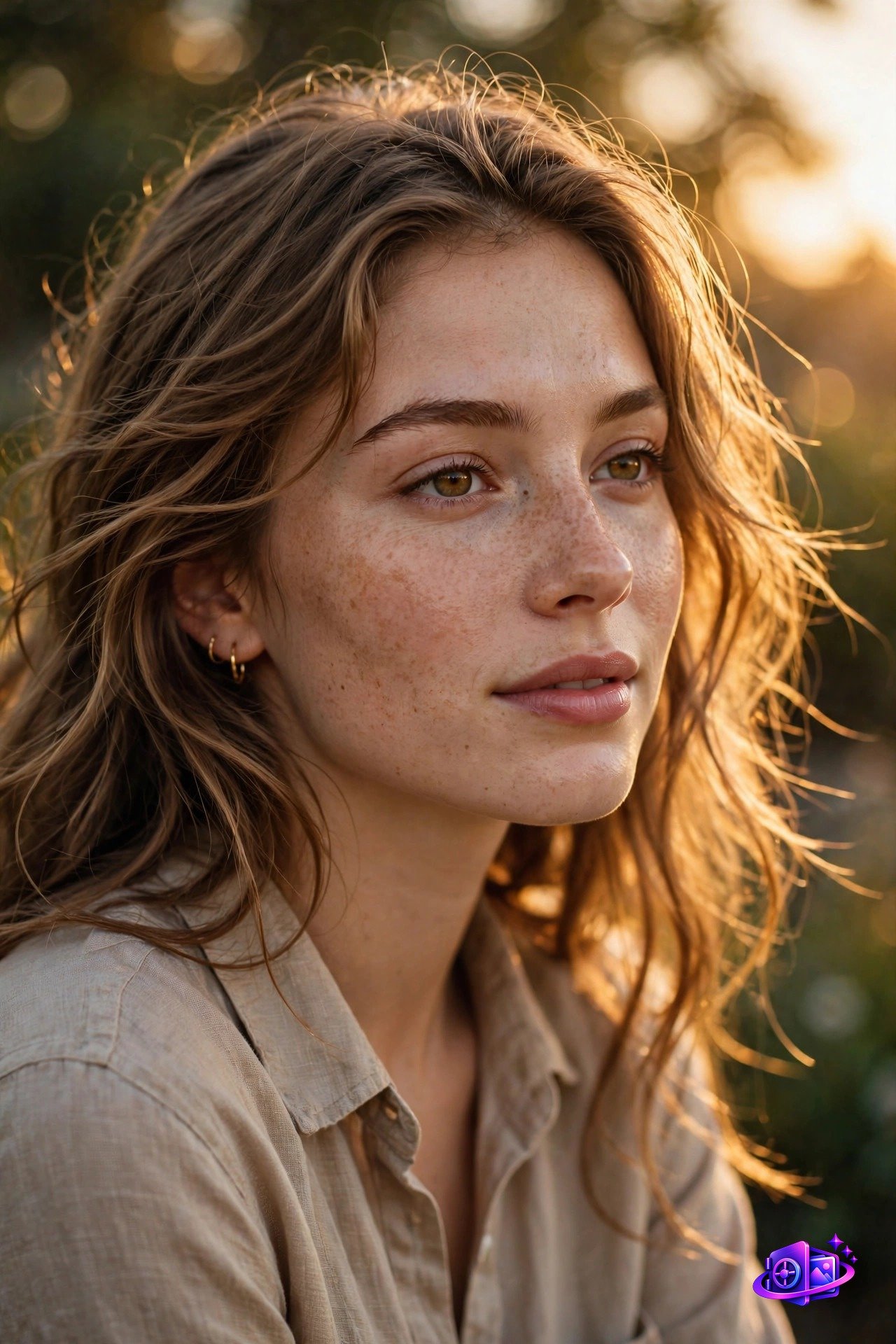
Why it works: Golden hour light is the most flattering natural light in photography. The 85mm lens spec gives that classic portrait compression, and “detailed skin texture” keeps it from looking like plastic.
2. Studio Fashion Portrait
The prompt:
High-fashion studio portrait of an elegant woman, dramatic Rembrandt lighting, dark background, sharp focus on eyes, professional fashion photography --ar 4:5
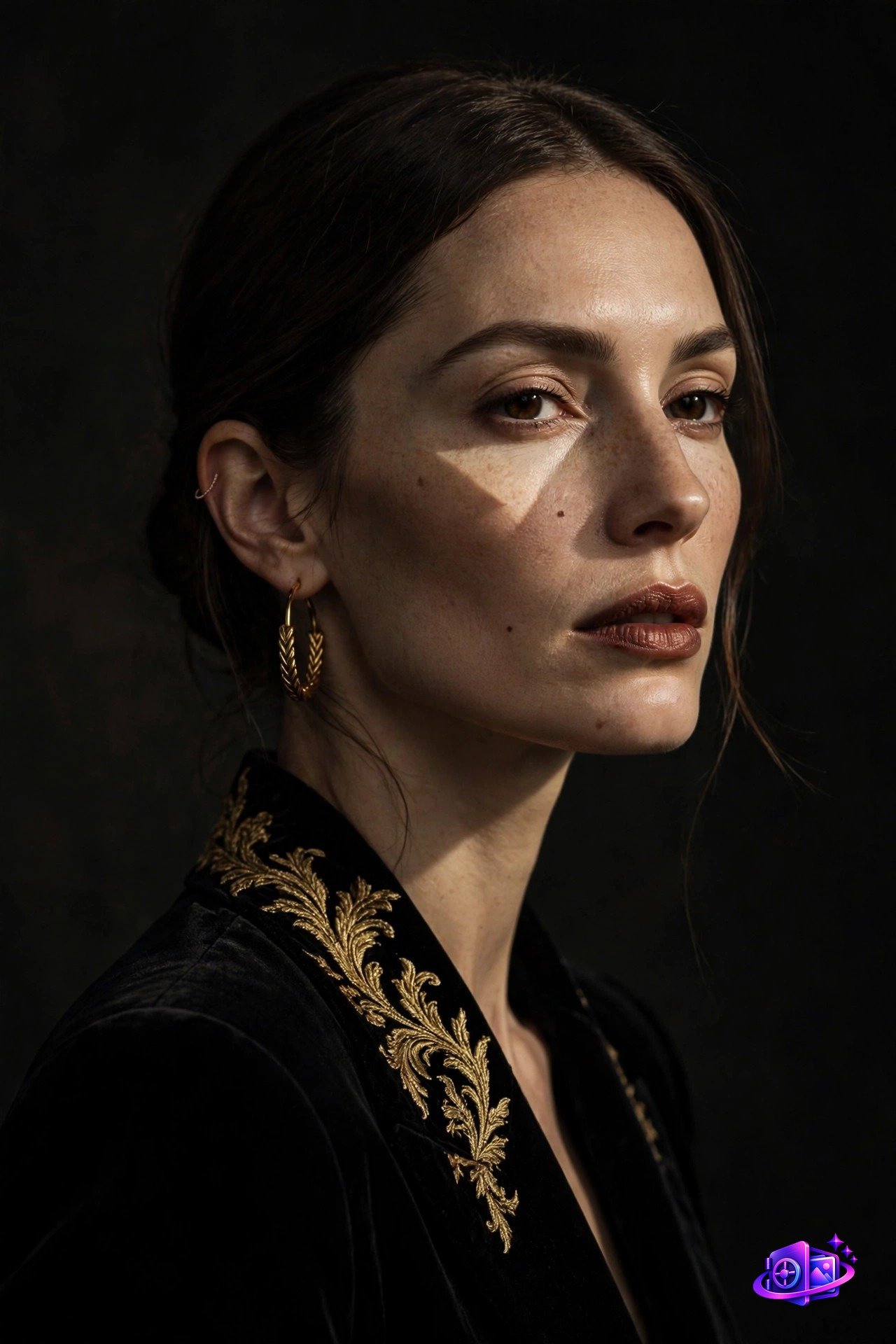
Why it works: Naming a lighting technique (“Rembrandt lighting”) gives Midjourney a precise reference. The dark background isolates the subject for that premium editorial look.
3. Vintage 1950s Glamour
The prompt:
Vintage 1950s style portrait of a young woman with retro waves hairstyle and red lipstick, warm film tones, classic Hollywood glamour photography --ar 4:5
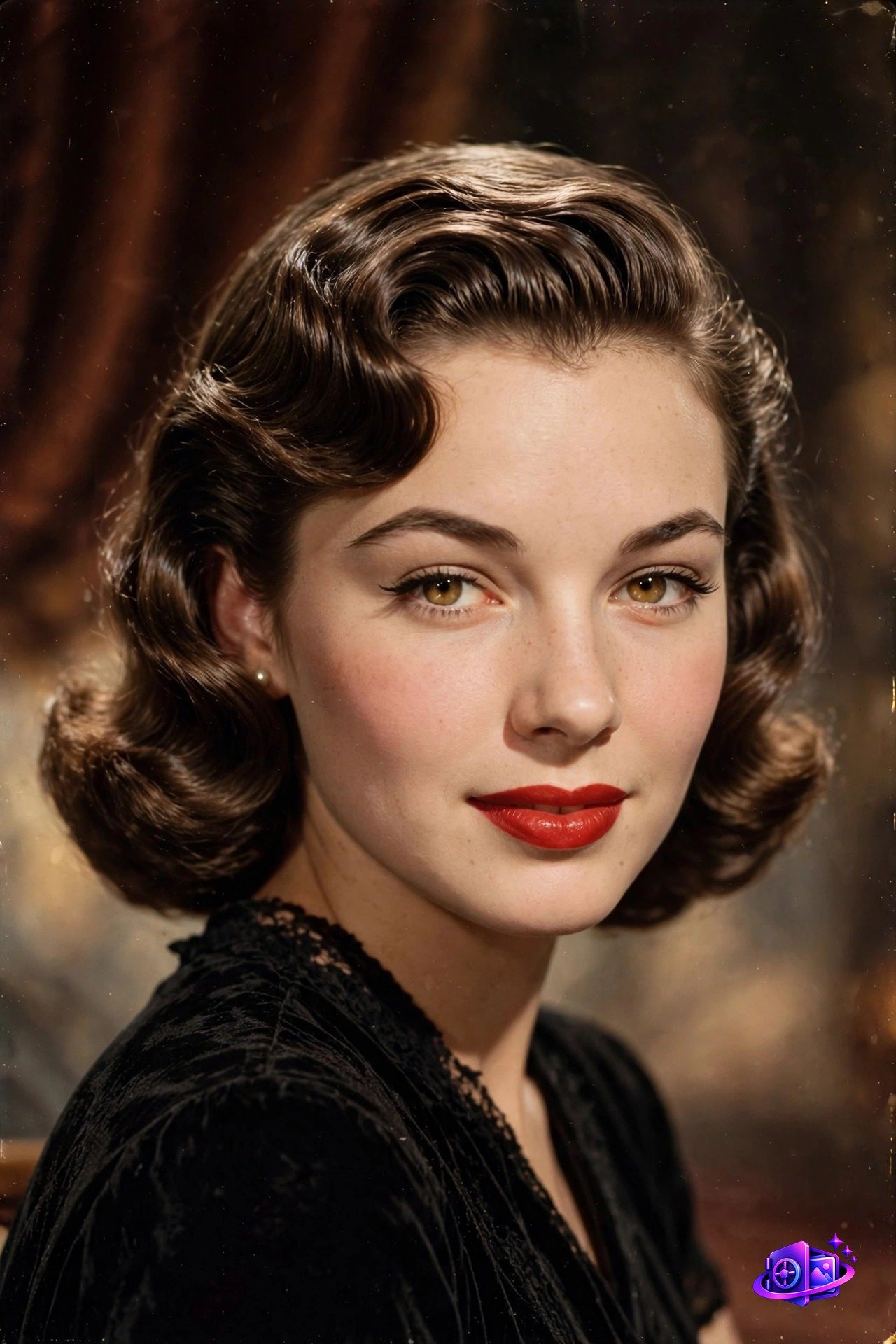
Why it works: Era + specific details (retro waves, red lipstick) lock in the vintage aesthetic. “Warm film tones” adds the analog color grading that sells the retro feel.
4. Cyberpunk Girl
The prompt:
Cyberpunk girl with neon purple hair, futuristic neon city background at night, glowing facial accents, cinematic lighting, ultra detailed --ar 4:5
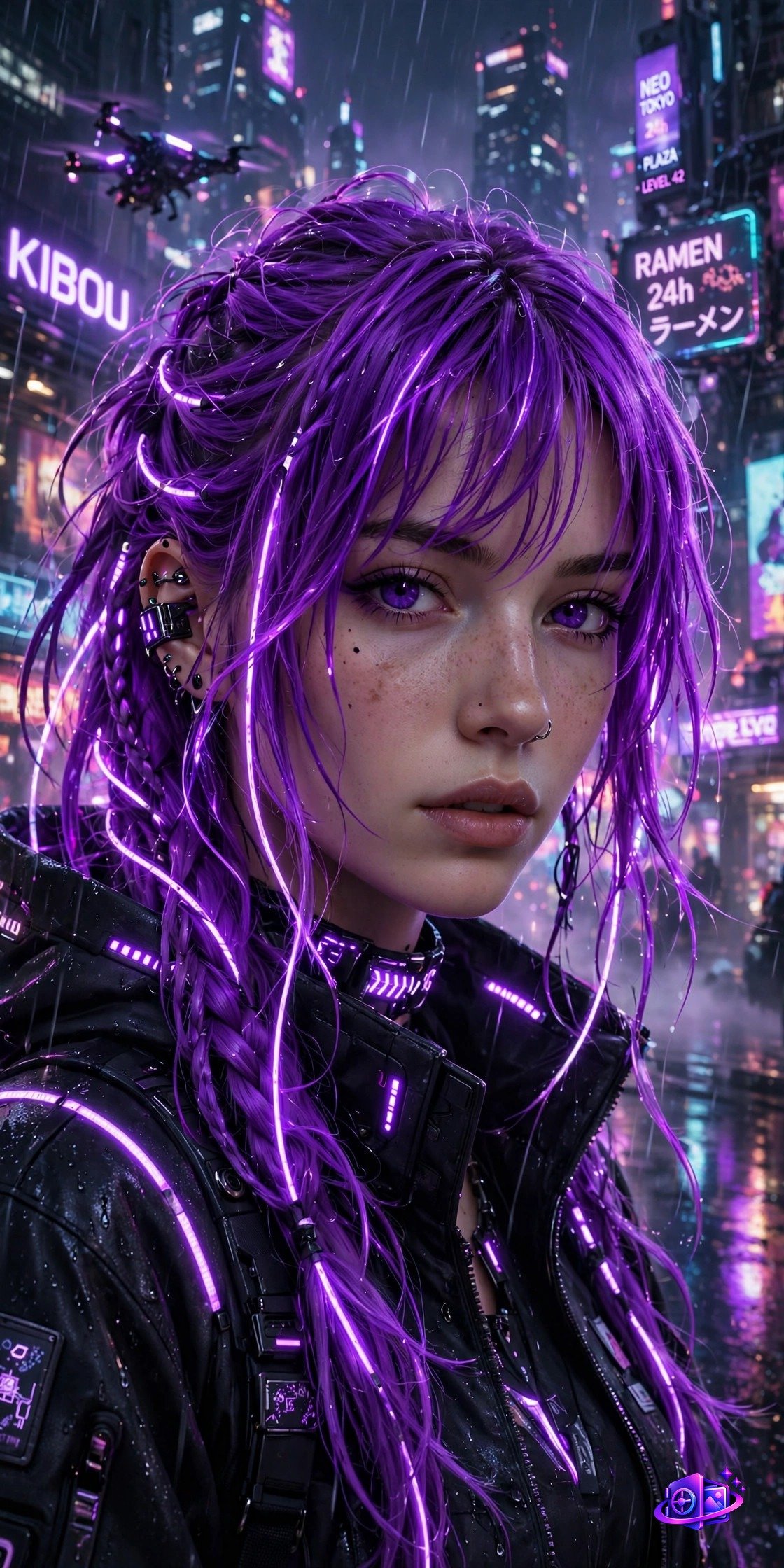
Why it works: Cyberpunk needs neon + night + glow. “Glowing facial accents” adds the signature cybernetic detail, and the night setting makes every neon element pop.
5. Anime Girl
The prompt:
Beautiful anime girl with long silver hair and green eyes, standing among falling cherry blossom petals, Studio Ghibli inspired style, vibrant colors, detailed eyes --ar 4:5
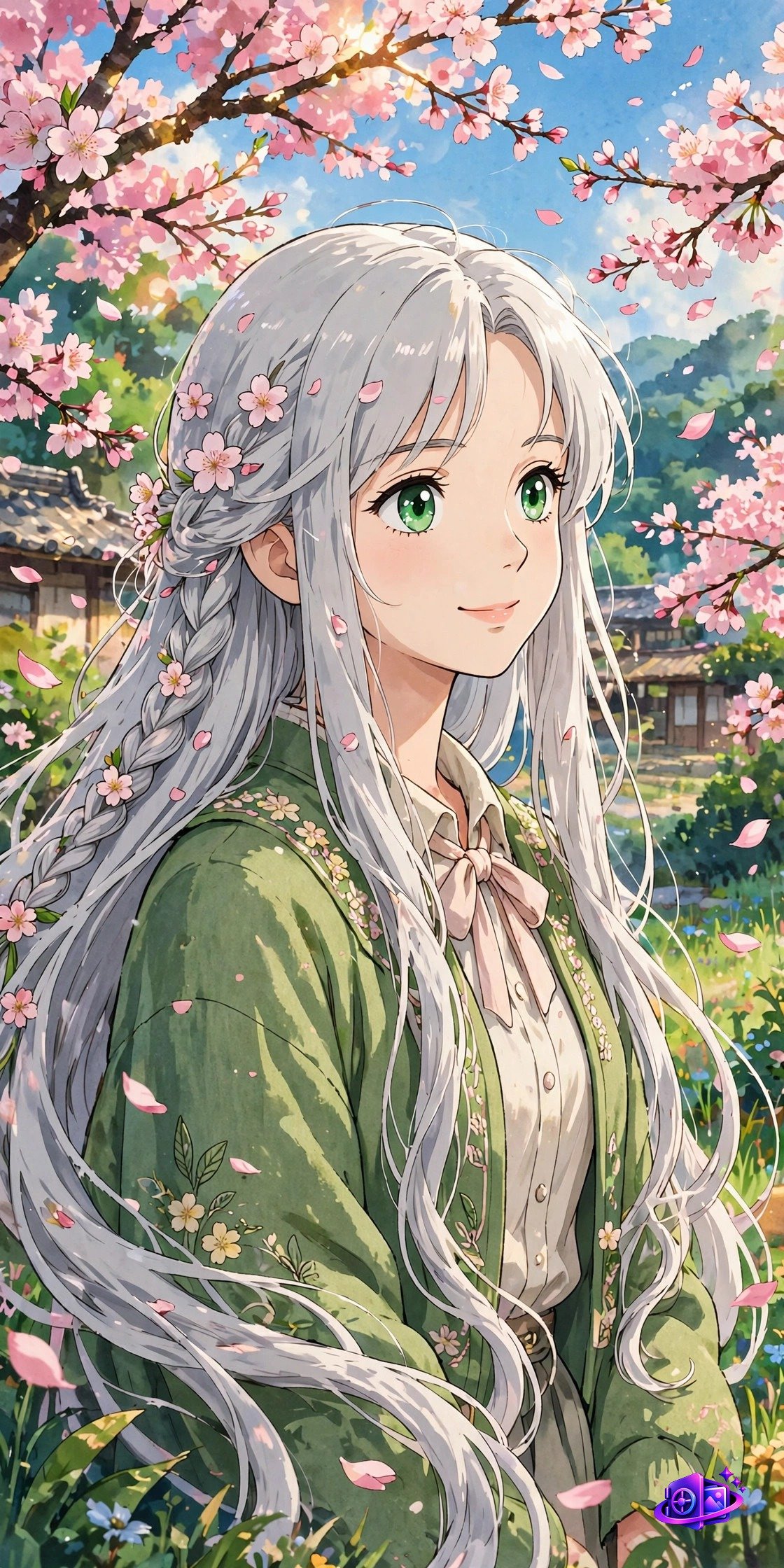
Why it works: “Studio Ghibli inspired” sets the art style instantly. In anime, eyes carry the emotion — “detailed eyes” is the most important phrase in this prompt.
6. Classical Oil Painting
The prompt:
Classical oil painting portrait of a young woman in Renaissance style, soft window lighting, visible brushstrokes, rich color palette, museum quality --ar 4:5
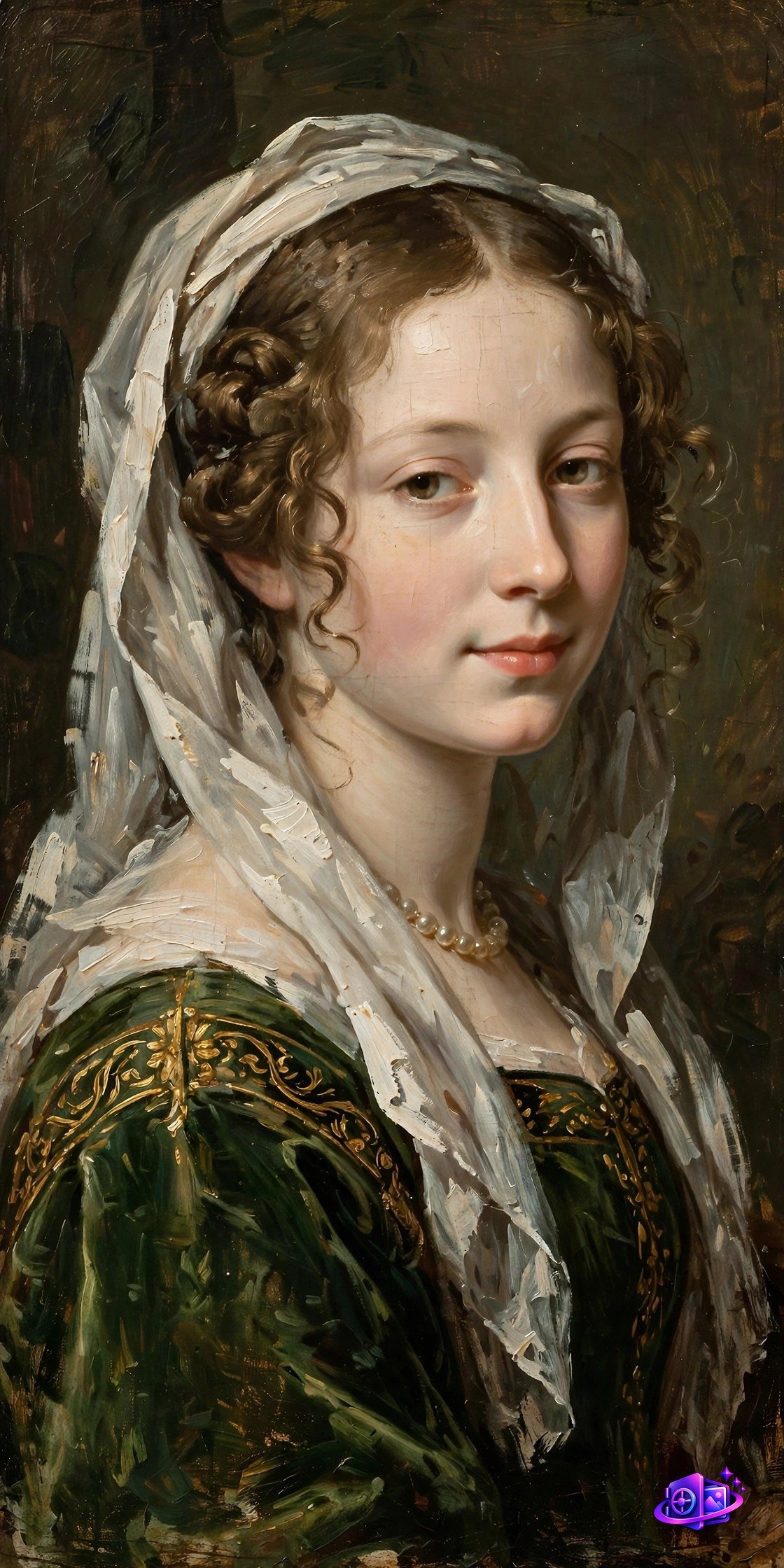
Why it works: “Renaissance style” + “oil painting” tells Midjourney the exact art-historical reference. “Visible brushstrokes” separates a true painted look from a photo filter.
7. Black & White Classic
The prompt:
Timeless black and white portrait of a woman with striking eyes, dramatic side lighting, deep shadows, fine art photography, high contrast --ar 4:5
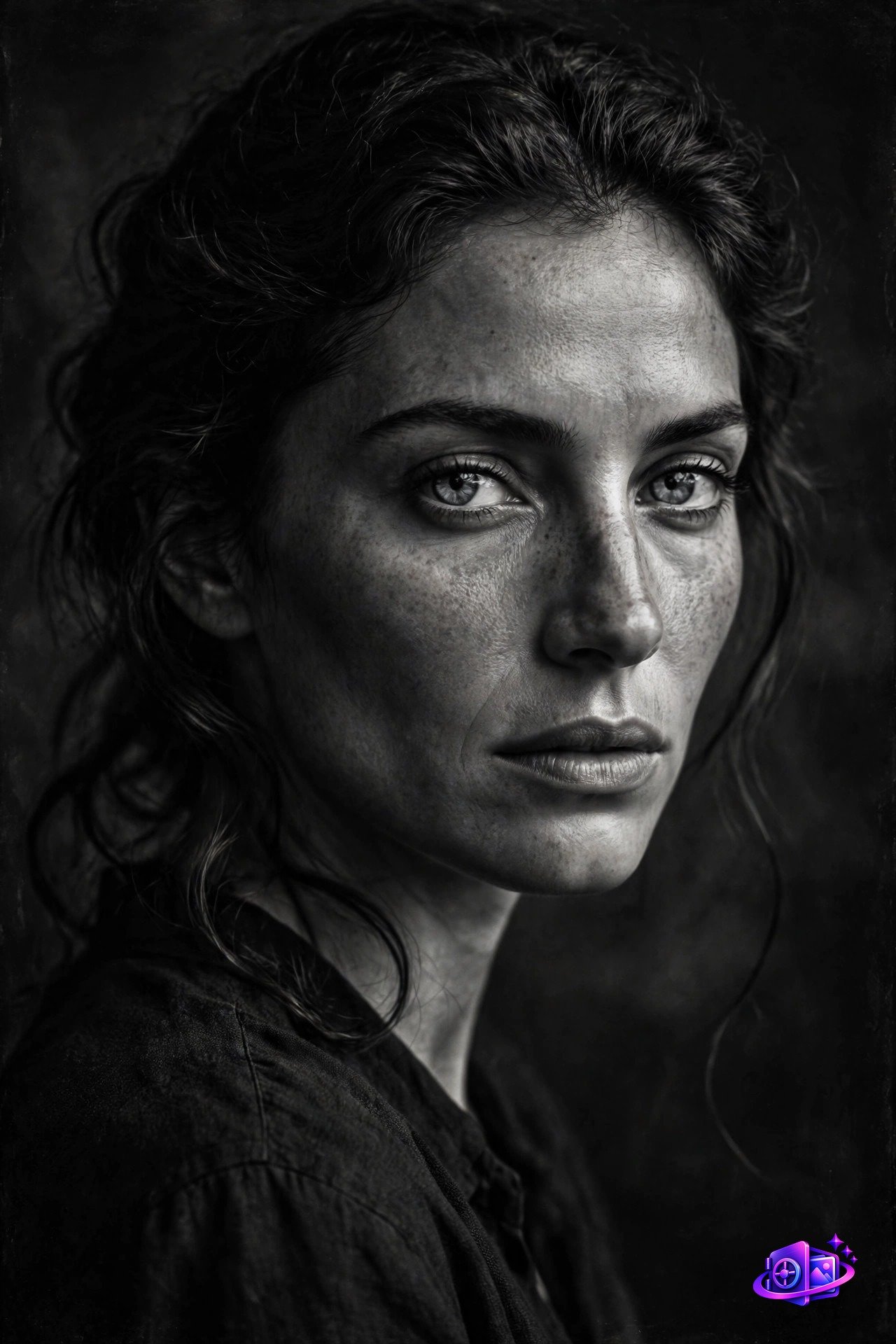
Why it works: B&W lives on contrast. “Dramatic side lighting” sculpts the face, and “striking eyes” gives the portrait its emotional anchor.
8. Bohemian Outdoor Portrait
The prompt:
Bohemian outdoor portrait of a young woman wearing a flower crown in a sunlit meadow, soft dreamy backlight, flowing hair in breeze, free spirit vibe --ar 4:5
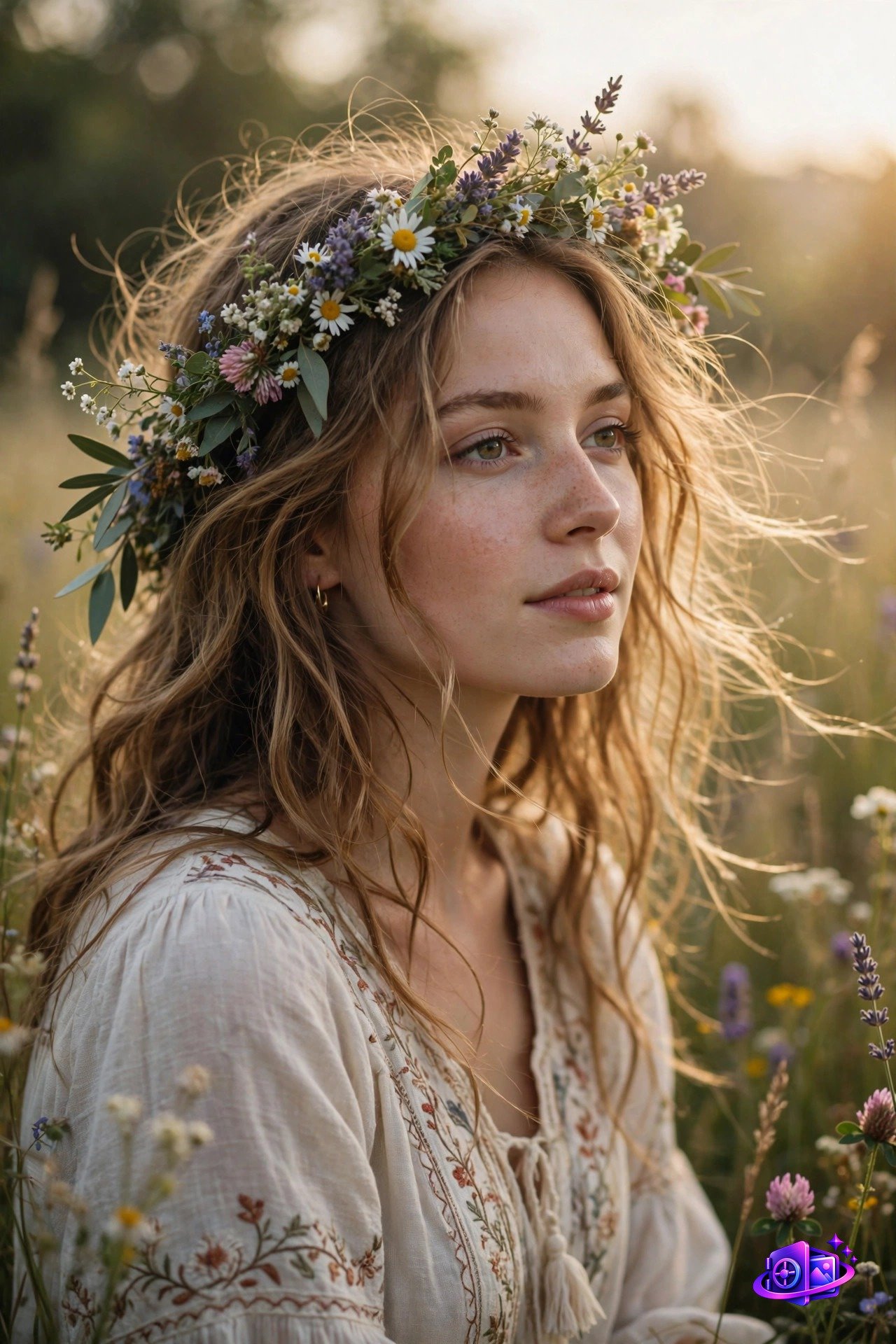
Why it works: “Soft dreamy backlight” creates the ethereal glow, and motion (“flowing hair in breeze”) adds life. The flower crown is the boho signature element.
9. Royal Elegance
The prompt:
Regal portrait of a beautiful woman in elegant royal attire with delicate jewelry, grand palace background softly blurred, majestic lighting, luxurious details --ar 4:5
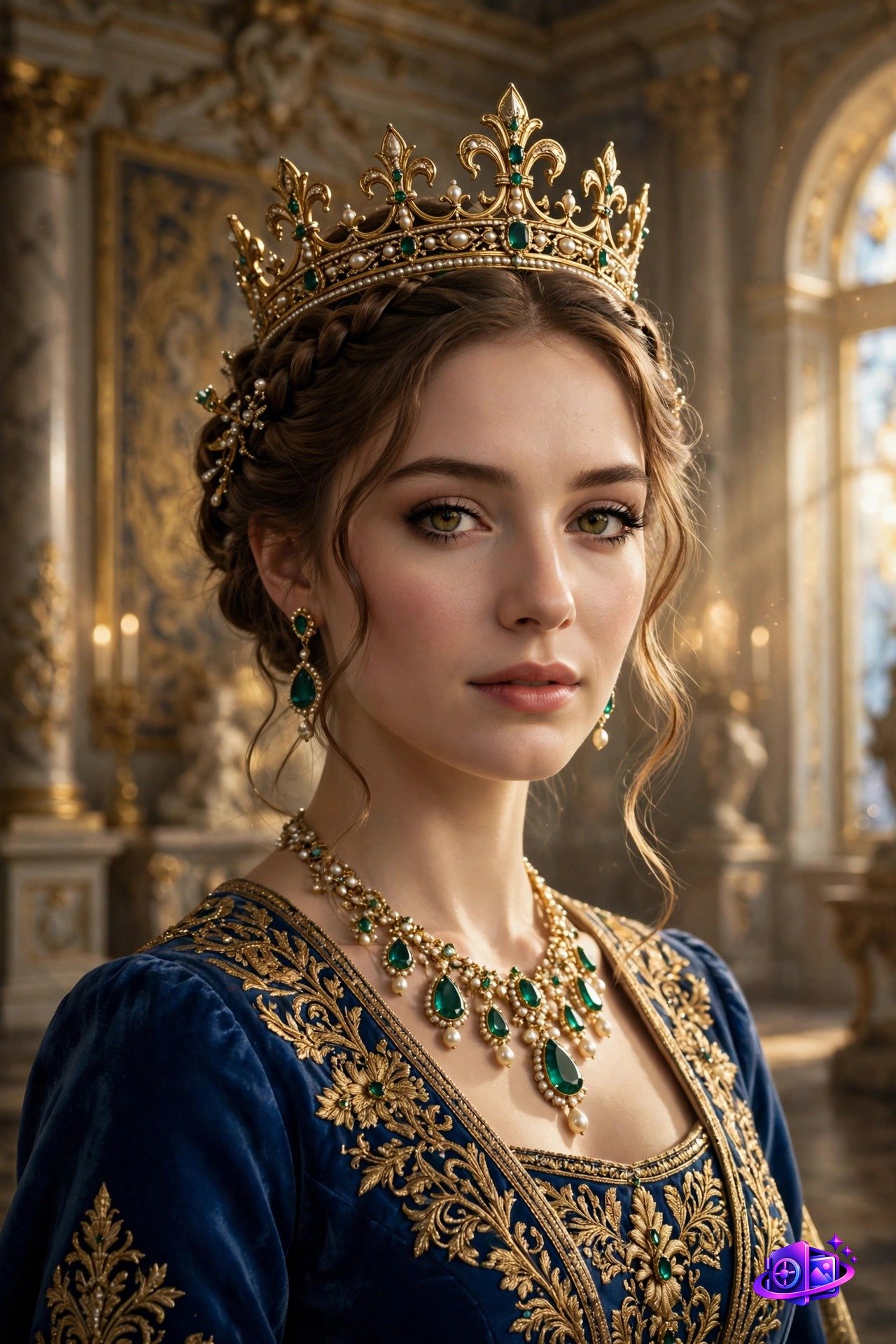
Why it works: “Regal” + “royal attire” + “palace” stack the luxury cues. Blurring the background keeps focus on her while the setting adds grandeur.
10. Urban Street Style
The prompt:
Urban street style portrait of a confident young woman in trendy fashion, city bokeh lights background, natural daylight, modern photography, candid feel --ar 4:5
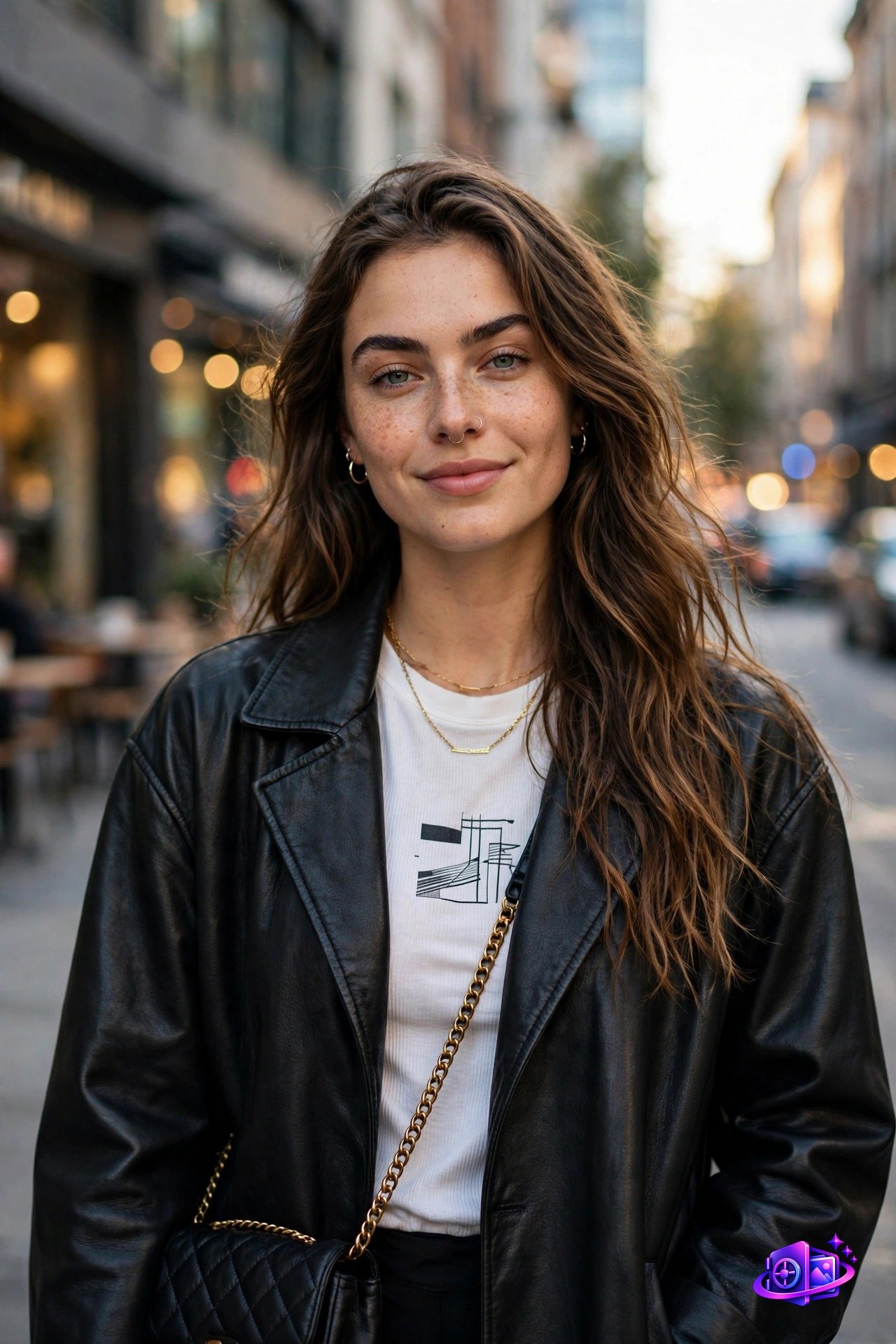
Why it works: “Candid feel” avoids the stiff posed look. City bokeh gives that fashionable urban depth, and “confident” directs the expression and pose.
Pro Tips for Girl Portraits in Midjourney
- Eyes first. “Striking eyes” or “detailed eyes” dramatically improve portraits.
- Light is everything. Golden hour, Rembrandt lighting, soft window light — always specify it.
- Skin texture matters. Add “detailed skin texture” to avoid the airbrushed AI look.
- Use
--ar 4:5for portraits — the most flattering ratio. - Describe the mood. “Confident,” “dreamy,” “majestic” — emotion words shape expression.
Frequently Asked Questions
Can I use these Midjourney prompts for free?
Yes — all prompts are free for personal and commercial use. Images you generate belong to you under Midjourney’s terms (paid plans include commercial rights).
Which Midjourney version works best for portraits?
Version 6.1 or newer. It handles faces, skin texture, and eyes far better. Add –v 6.1 to your prompt.
How do I avoid distorted faces in Midjourney?
Use –style raw for more literal results, keep prompts focused on one subject, and re-roll — faces improve across variations. Upscaling also refines details.
Can I make these prompts about a specific person?
Midjourney can’t replicate real faces from text. Use –cref with an uploaded photo, or try a photo-to-photo tool instead.
Do these prompts work in other AI generators?
Yes — in DALL-E 3, Stable Diffusion, and Meta AI. Just remove –ar and –v for tools that don’t support them.