AI image generation is only as good as the prompt behind it. These 10 ai image generation prompts cover landscapes, interiors, characters, products, wildlife, and fantasy, and every one works in Midjourney, ChatGPT, Gemini, and most other image generators.
How to Use These AI Image Generation Prompts
Using these ai image generation prompts is simple, and you do not need a photo to start. Each prompt is a complete text description, so you can generate from scratch in any tool.
- Open your image generator of choice, such as Midjourney, ChatGPT, or Gemini.
- Copy one of the prompts below and paste it into the image prompt box.
- Generate, then re-roll two or three times and keep your favorite version.
- Change one detail, like the season or the lighting, to make the image your own.
Every prompt below follows the same recipe: subject, setting, lighting, style, and quality words. Once you see the pattern, you can write your own ai image generation prompts for any idea at all.
Notice how each prompt names the subject first, then the setting, then the light, then the style. That order matters, because generators weigh early words more heavily. Put the most important detail first, and put quality words like detailed and photorealistic at the end, where they polish the result without changing the subject. If a result goes wrong, it is almost always because the subject was vague or two different scenes were packed into one prompt. Fix the subject first, simplify second, and only then change the style words.
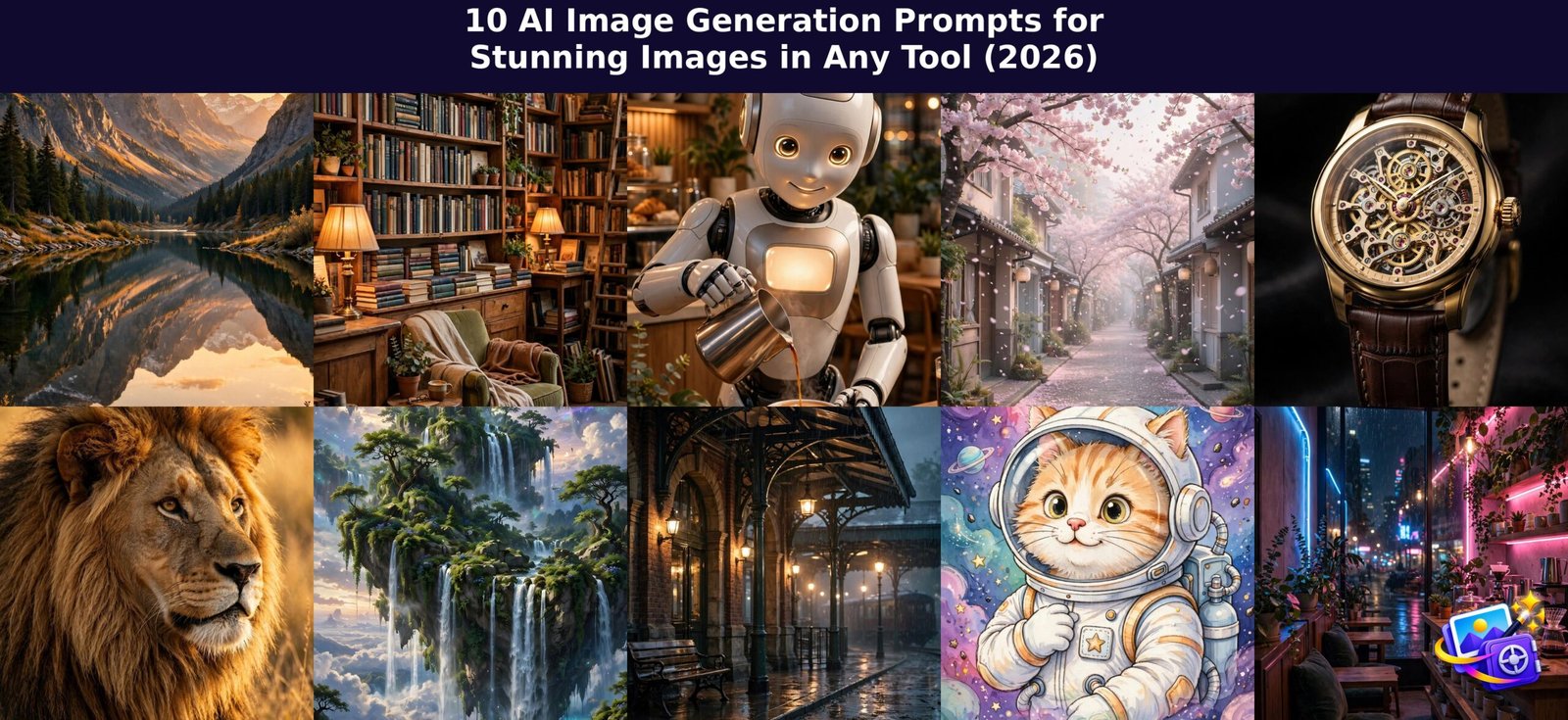
Prompt 1: Golden Hour Mountain Lake
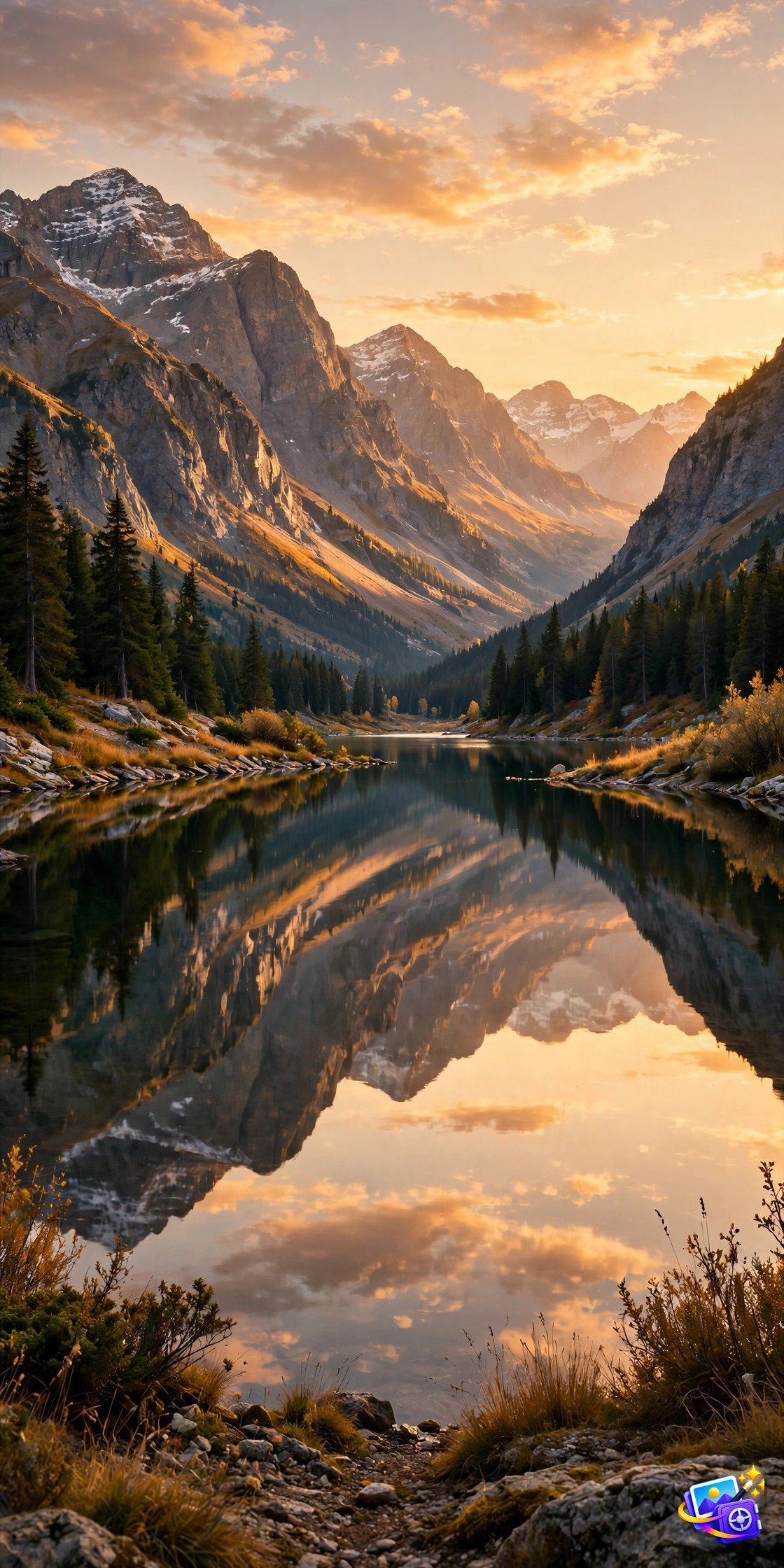
A breathtaking mountain lake at golden hour, snow capped peaks reflected perfectly in still water, warm orange light on the ridges, soft mist over the lake, photorealistic landscape photography, ultra detailed, cinematic composition.
Why it works: Landscapes are the easiest way to test a generator, and this one shows off light and reflection. The golden hour detail alone lifts a plain mountain scene into a wallpaper worthy image.
Prompt 2: Cozy Bookshop Interior
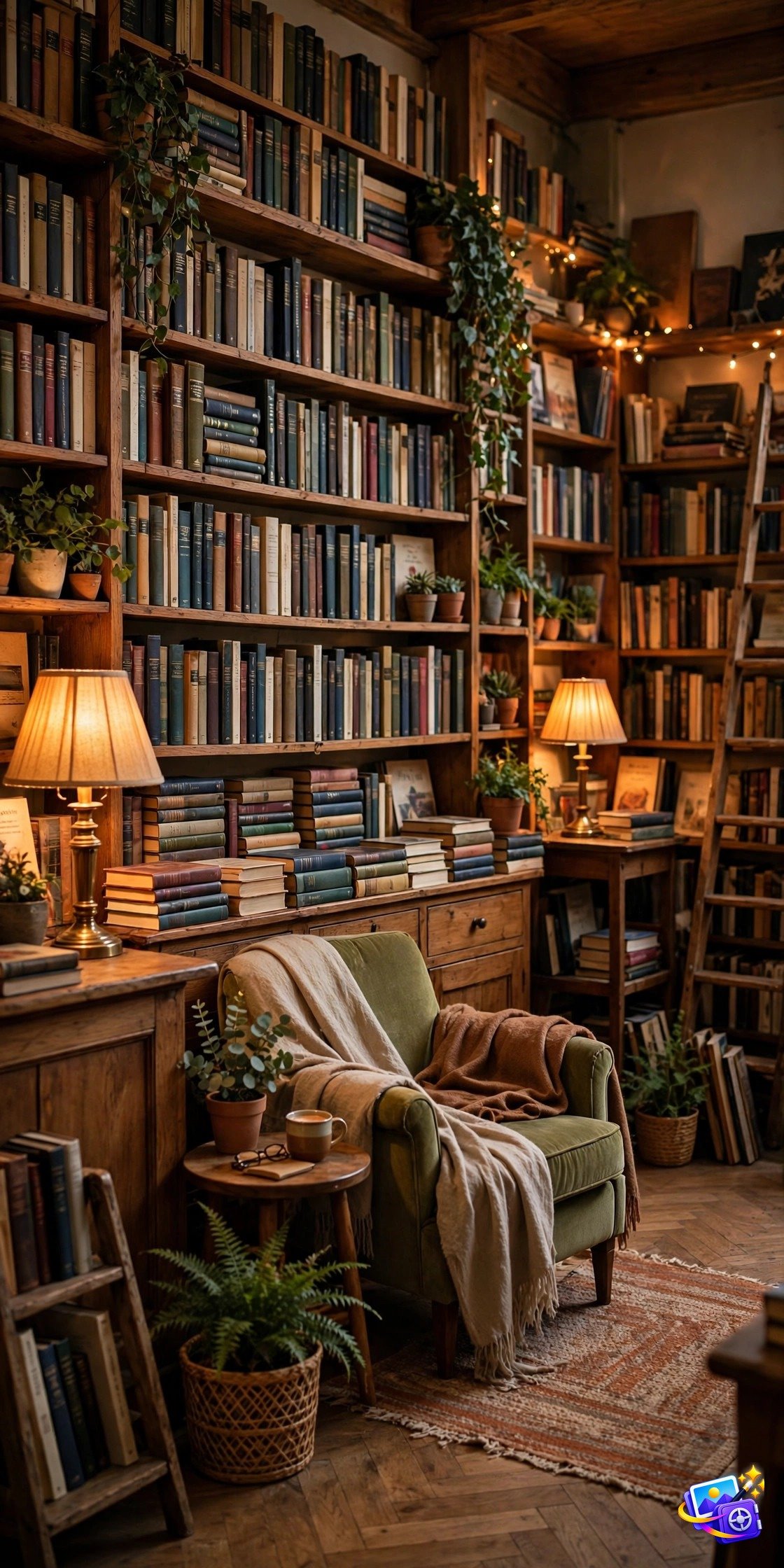
A cozy bookshop interior at dusk, tall wooden shelves packed with old books, warm brass lamps glowing, a reading chair by the window, dust motes in golden light, detailed interior photography, warm inviting atmosphere.
Why it works: Interiors test detail and atmosphere. Wood, brass, and lamplight give the AI textures to render, so the result feels like a real place you could walk into.
Prompt 3: Futuristic Robot Barista
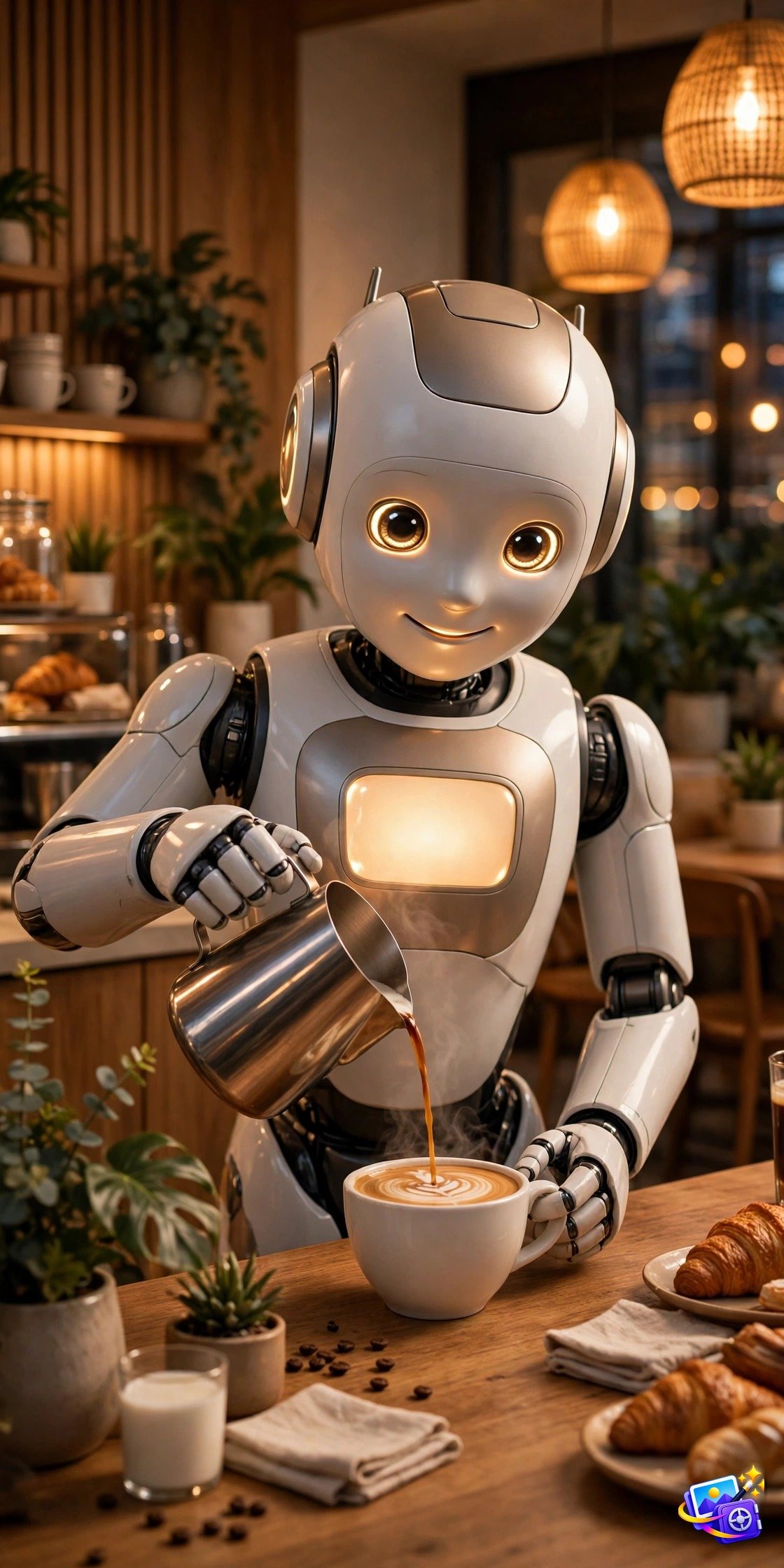
A friendly futuristic robot barista pouring latte art in a modern cafe, sleek white and chrome design, warm morning light through large windows, customers blurred in the background, charming sci-fi scene, photorealistic, detailed.
Why it works: Character plus setting is where generation shines. One clear character, one clear action, and one clear setting produce a coherent scene instead of a confusing collage.
Prompt 4: Dreamy Cherry Blossom Street
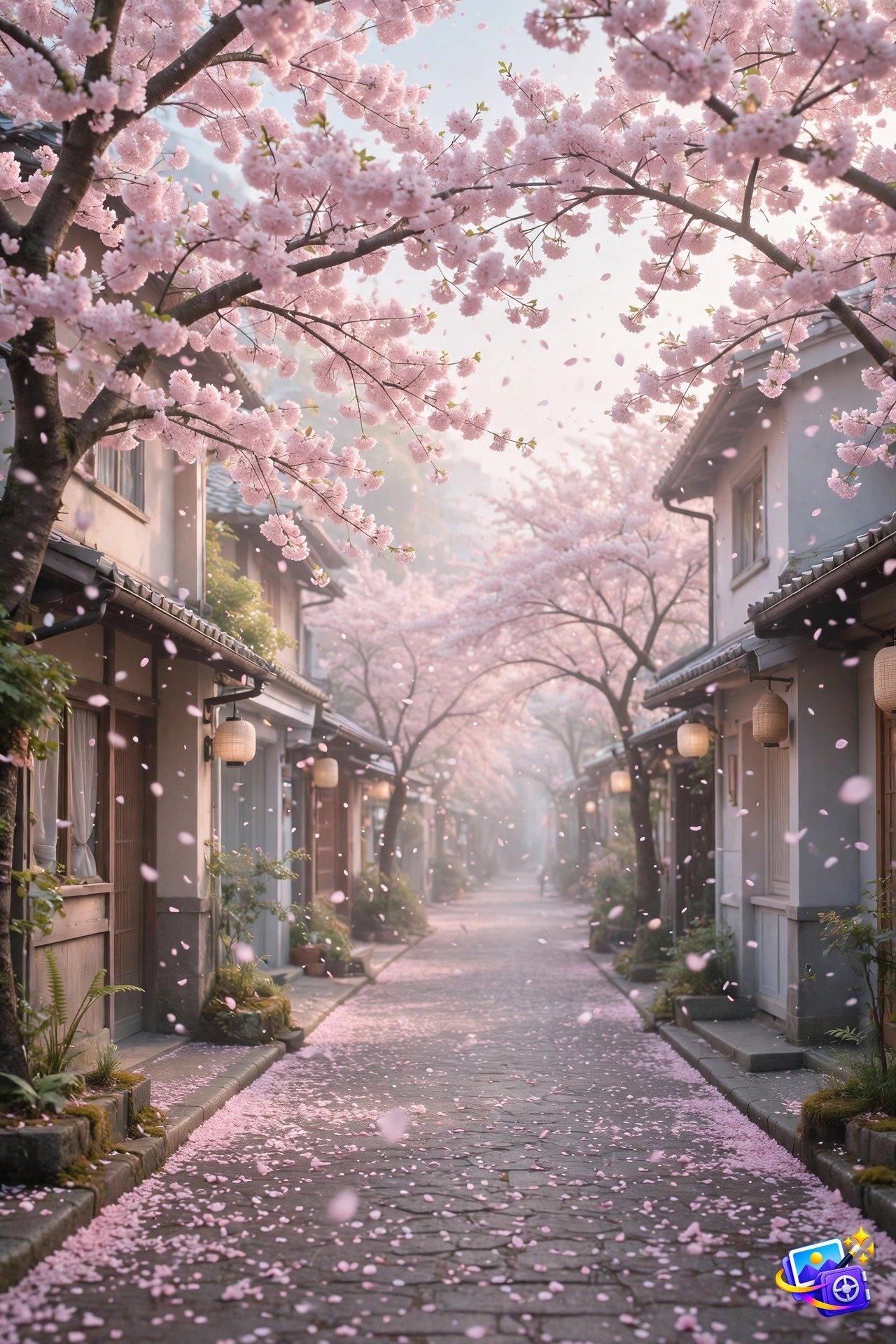
A dreamy cherry blossom street in spring, pink petals falling gently over a quiet lane, traditional houses with tiled roofs, soft pastel morning light, romantic atmosphere, detailed scenic photography.
Why it works: Seasonal scenes work because the AI already knows the palette. Cherry blossom pink against soft morning light needs very few words to look beautiful.
Prompt 5: Luxury Watch Product Shot
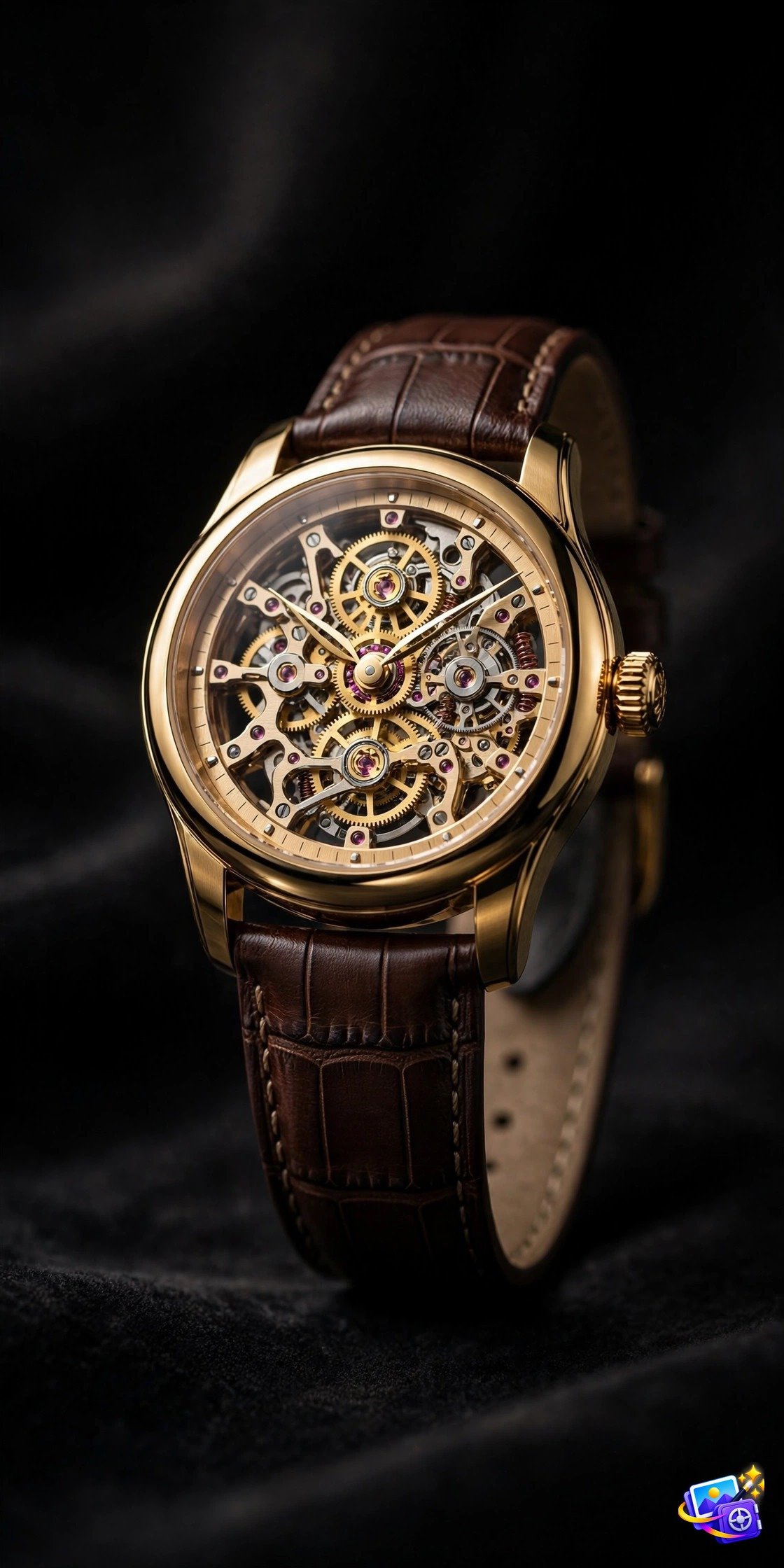
A luxury watch product shot on a dark elegant background, dramatic studio lighting, gold and black tones, macro detail on the watch face and leather strap, premium advertising photography, ultra sharp.
Why it works: Product prompts test precision. Dark background, dramatic light, and macro detail force the generator to focus on one object, which is exactly what a product shot needs.
Prompt 6: Majestic Lion Portrait
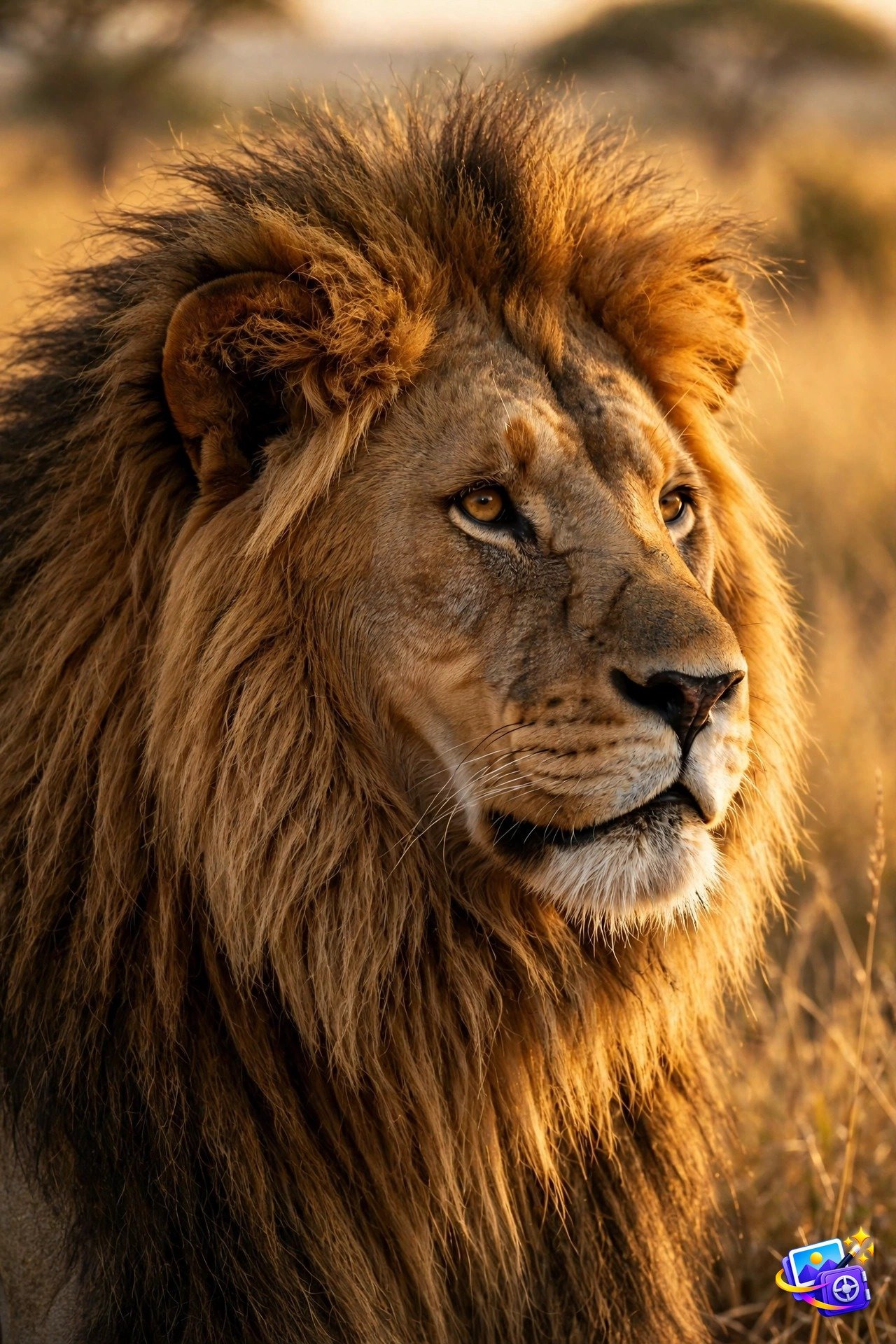
A majestic lion portrait in golden savanna light, powerful calm expression, detailed fur texture, warm sunset glow, blurred grassland background, wildlife photography, ultra detailed.
Why it works: Wildlife portraits reward texture words. Detailed fur and golden light give the image depth, while the blurred background keeps the lion as the unmistakable subject.
Prompt 7: Floating Island Fantasy World
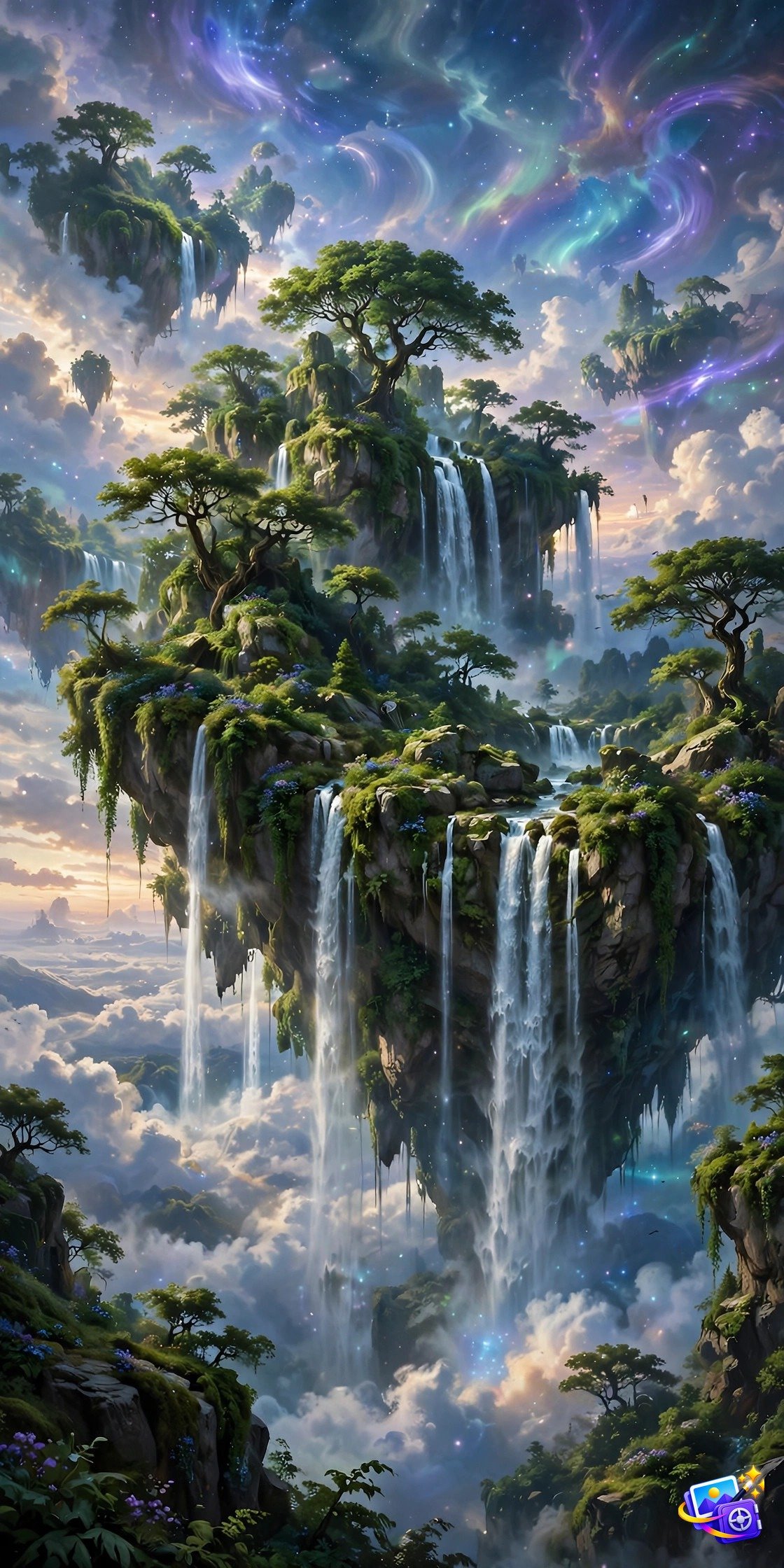
A floating island fantasy world, green cliffs with waterfalls falling into clouds, a small stone castle on top, magical glowing sky, birds circling, epic fantasy digital art, highly detailed.
Why it works: Fantasy scenes let the generator be creative, but they still need structure. Island, waterfalls, castle, and sky give it four anchors, so the fantasy stays coherent.
Prompt 8: Vintage Train Station in Rain
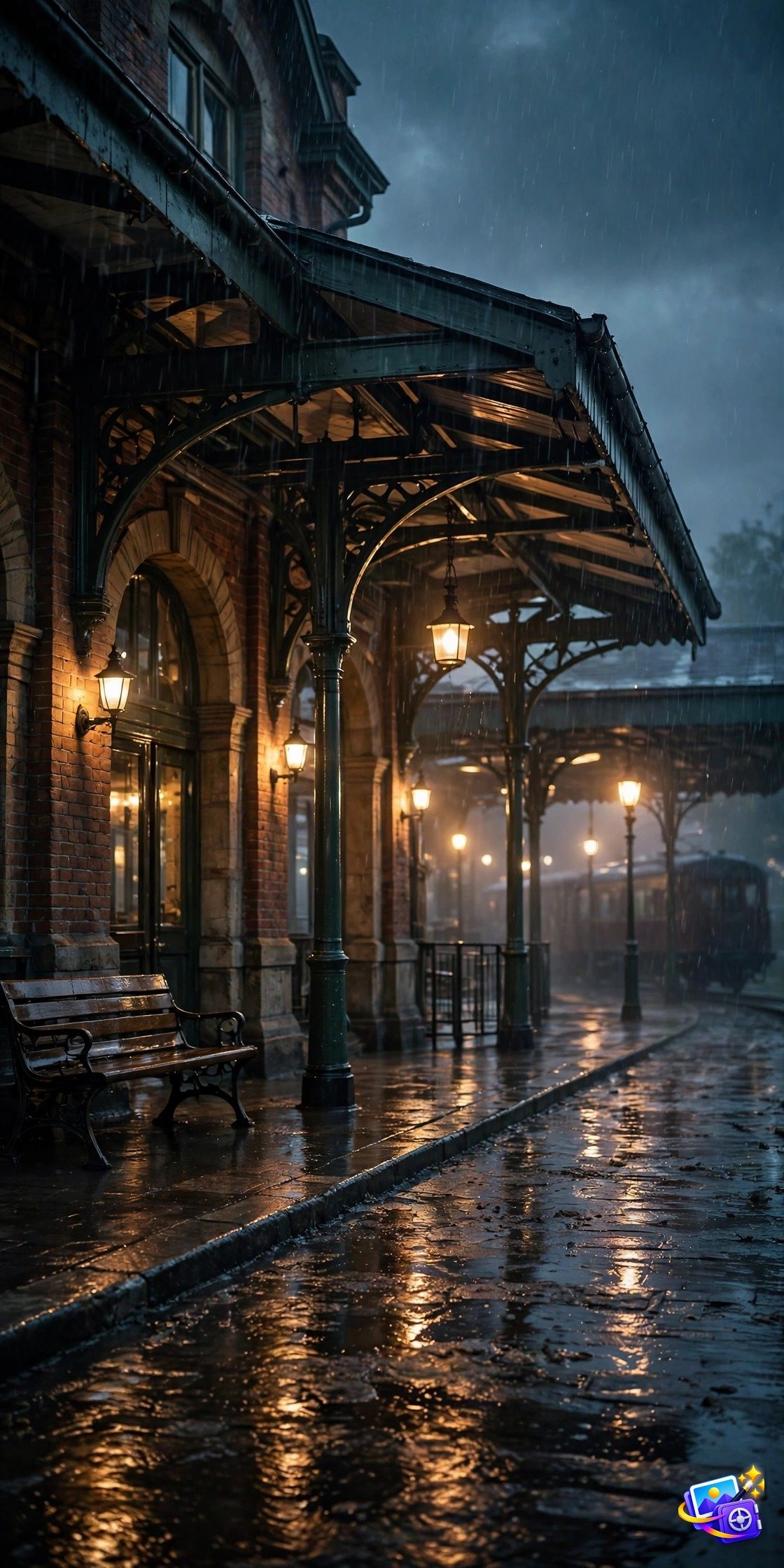
A vintage train station in the rain at dusk, warm lamps glowing on wet platforms, a classic steam train waiting, reflections on rain slick stone, moody cinematic atmosphere, detailed scene.
Why it works: Mood comes from weather and light together. Rain plus warm lamps creates contrast, and contrast is what makes a cinematic scene feel alive.
Prompt 9: Cute Cat Astronaut
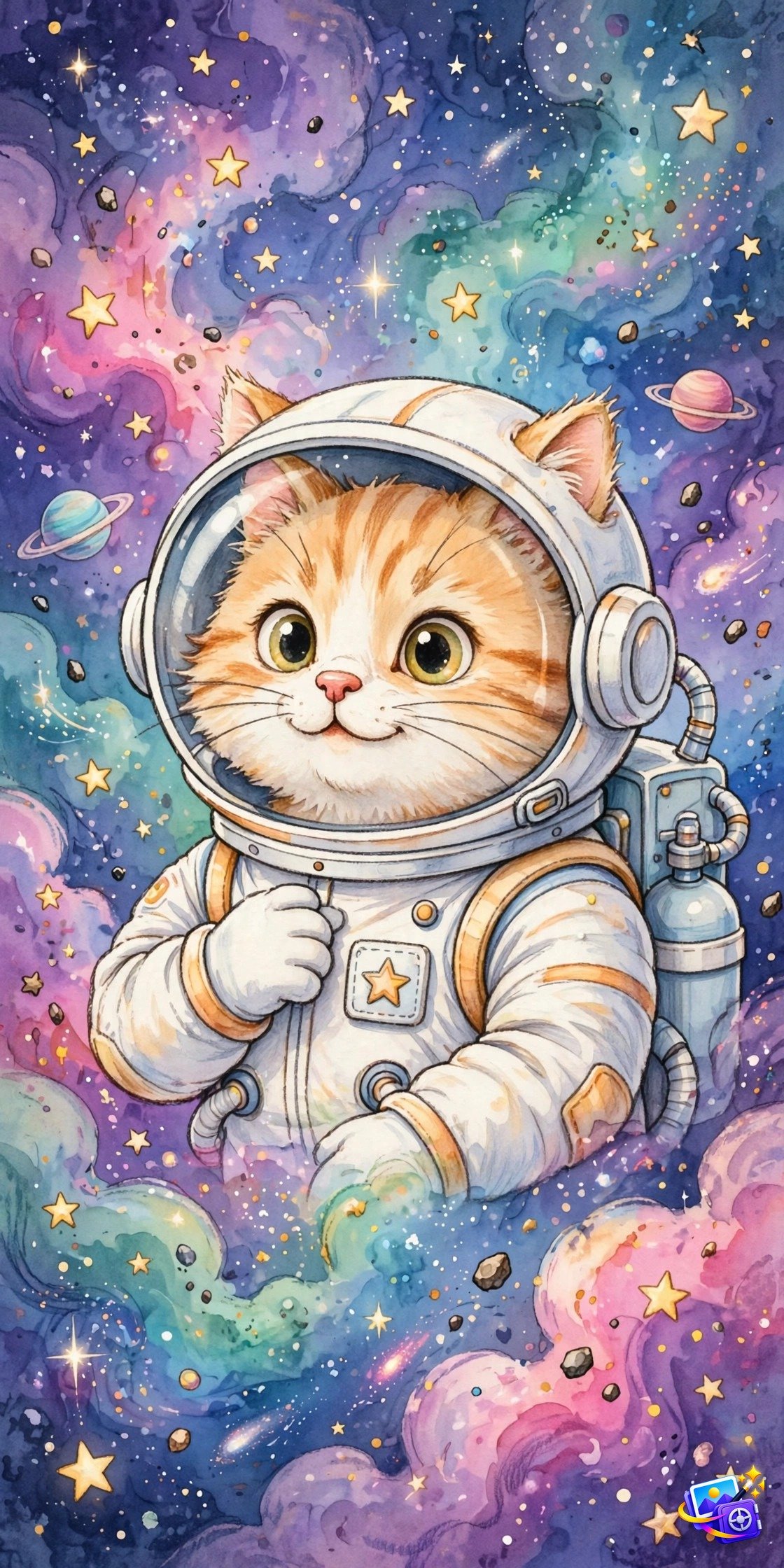
A cute cat astronaut in a white space suit, floating among colorful stars and planets, playful expression visible through the helmet, vibrant space background, charming illustration style, detailed.
Why it works: Playful prompts are perfect for testing a new tool because they are forgiving. Even a rough version looks charming, and a good version is instantly shareable.
Prompt 10: Neon Coffee Shop at Night
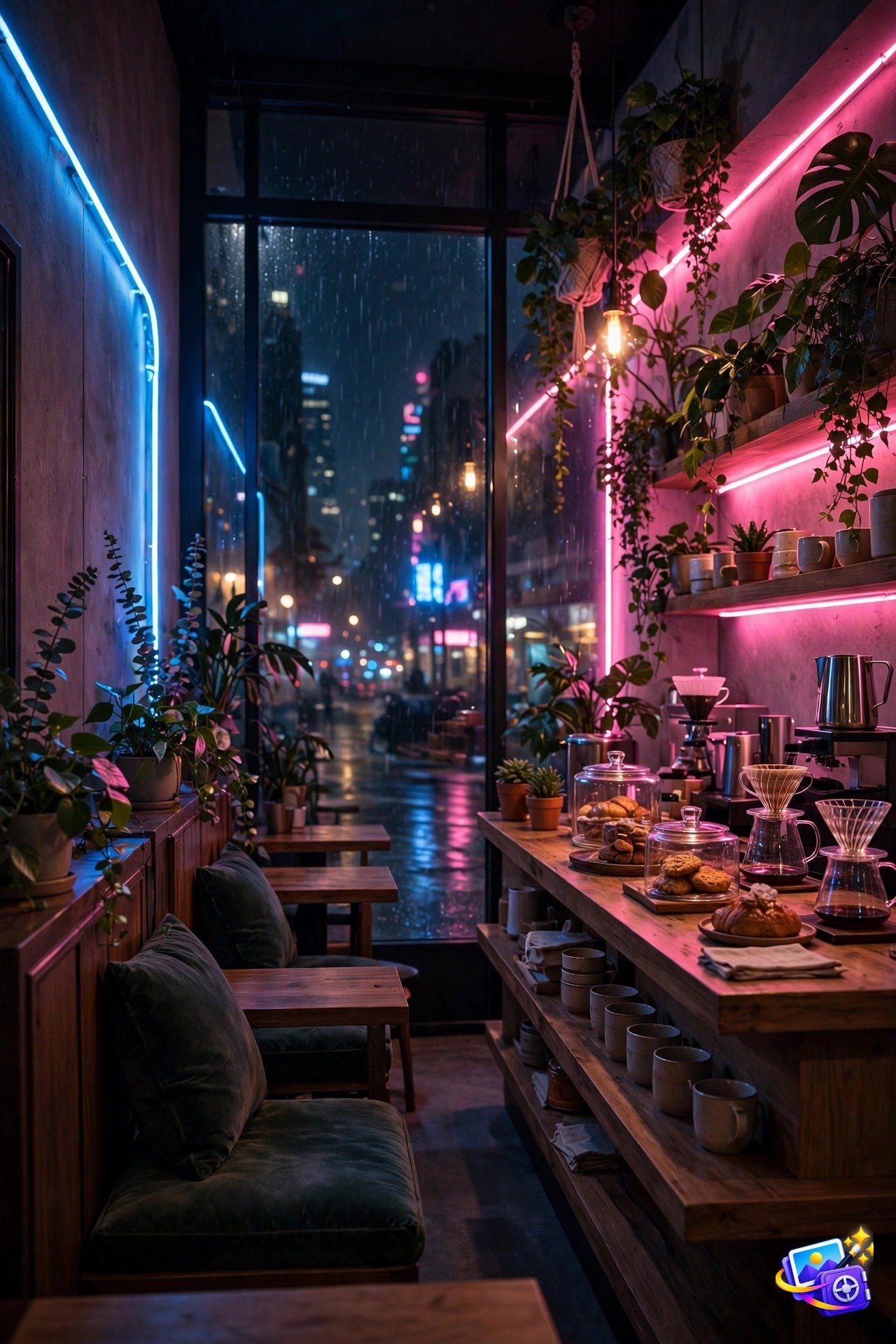
A neon lit coffee shop at night, cozy interior with warm wooden tables, pink and blue neon signs glowing in the windows, steam rising from coffee cups, cinematic night scene, detailed and atmospheric.
Why it works: Neon plus cozy is a strong combination because the colors do the work. Pink and blue against warm wood creates a scene that looks great as a phone wallpaper or a social post.
Pro Tips
Start with one subject, one setting, and one light source. Three clear anchors beat ten vague adjectives, because the generator can build a coherent scene from anchors and only guesses from adjectives.
Add texture and detail words last. Words like detailed, macro, and grain tell the generator how finished the image should look, and they work best at the end of the prompt.
Re-roll before you rewrite. The first result is rarely the best, and two or three re-rolls often produce a keeper without changing a single word. If you love dramatic portraits in general, our cinematic AI image prompts collection shows how lighting sells a scene, and our trending AI portrait prompts collection has more viral styles to try.
Steal the structure, not the prompt. Copy the pattern of subject, setting, light, style, and quality, then swap in your own idea. That is how one good prompt becomes a hundred good prompts.
One last test before you post: show the image to a friend without telling them it was AI made. If they ask where it was taken, the prompt worked. If they look confused, simplify the prompt to one subject and try again.
Keep a swipe file of prompts that worked for you. When a prompt produces a great image, save the exact wording beside the image, because small changes in wording can change results more than you expect. Over time your swipe file becomes your own style guide, and generating a great image becomes a matter of copying a proven structure and swapping in a new subject.
Try generating the same prompt in two different tools before you judge it. Midjourney may give you a more artistic version while ChatGPT gives you a more literal one, and neither is wrong. Pick the tool that matches the job: artistic for posters and fantasy, literal for products and realistic scenes. Knowing that difference saves you from rewriting a good prompt that was simply run in the wrong tool.
Frequently Asked Questions
Do these ai image generation prompts work in any AI tool?
Yes. They are plain text descriptions, so they work in Midjourney, ChatGPT, Gemini, and most other image generators. Tool specific parameters are optional, not required.
Which app is best for AI image generation?
Midjourney is strongest for artistic and cinematic images, while ChatGPT and Gemini are best for following detailed descriptions exactly. See how to use ChatGPT and the Gemini image generation guide if you are new to either tool.
Are ai image generation prompts free to use?
Yes, all prompts on this page are free to copy and use. Most generators include free daily generations, so you can test several prompts at no cost.
Why does my generated image look different from the example?
Generators are random by design, so every run varies. Re-roll a few times, and keep the lighting and subject words exactly as written for the closest match.
Can I sell images made with these prompts?
In most cases yes for personal projects and content, but check your generator’s commercial terms before selling images, since rules vary by tool.
Your Turn
That is the full set. Ten ai image generation prompts, ten different worlds, zero photos needed. Copy your favorite, paste it into your generator, and see what it dreams up. Your best generated image is one prompt away.
Save these ai image generation prompts and try one new style each week. The ai image generation prompts in this set work in any tool, and the ai image generation prompts that give the best results usually name the subject first. Keep the ai image generation prompts that work for you in a swipe file, so your next image starts from a proven idea.
When you test new ai image generation prompts, change only one detail at a time. The ai image generation prompts above are a good starting point, and the ai image generation prompts you adjust slowly will teach you how light, setting, and style change the result.
SEO Expert & Contant Writer